Persistent Session Maintenance
The connection daemon monitors your broker session every 15 seconds, handles token refresh and re-initiates authentication automatically when required — no manual reconnection needed.

Broker Integration
Quivarra's broker integration layer maintains authenticated, monitored connections with automatic reconnection — so orders reach the market when conditions fire.
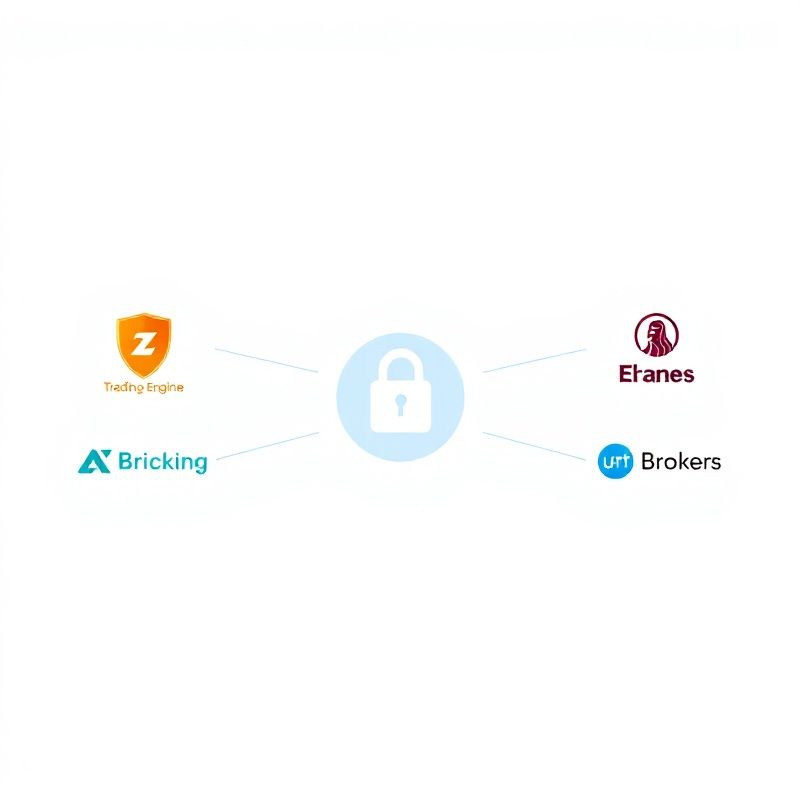
Quivarra integrates with your broker via its official REST or FIX API, using credentials you supply and store encrypted in your account. During the setup wizard, the platform tests your connection, validates your account permissions and maps the broker's supported order types to Quivarra's internal order model. The mapping step is critical: not every broker supports every order type, and a mismatch between your strategy's exit logic and your broker's available order types would cause submission failures at the worst possible moment. Quivarra surfaces these incompatibilities during setup — before any live capital is involved — so you can either adjust your strategy or switch to a compatible broker tier. Currently supported integration targets include MT4/MT5-compatible brokers, IBKR, and select East African brokerage APIs.
A broker API connection is not a one-time handshake — it is a persistent session that must be maintained, re-authenticated on token expiry and recovered when the broker's servers restart. Quivarra's connection daemon polls your broker session every 15 seconds and triggers a full re-authentication sequence if the session drops. If re-authentication fails three consecutive times, the engine suspends order submission, flags the connection as degraded in your dashboard and sends you an alert. This design means your strategy does not silently continue operating against a broken connection, submitting orders that appear to fire locally but are never received by the broker. The azure-trust dashboard always shows you a live connection health indicator so you know the system's true state at a glance.
The connection daemon monitors your broker session every 15 seconds, handles token refresh and re-initiates authentication automatically when required — no manual reconnection needed.
Your API key, secret and account ID are stored encrypted at rest using AES-256 and are never logged or exposed in plaintext — not even to Quivarra's own support staff.
During setup, Quivarra maps your strategy's required order types against your broker's documented capabilities and surfaces any gaps before you go live.
Three consecutive authentication failures trigger a degraded-connection alert and a submission halt, ensuring you always know the true state of your broker link.
“The setup wizard caught an order-type mismatch between my strategy and my broker's API that I had completely missed. It flagged it clearly before I went live and suggested two ways to resolve it. That alone saved me from what could have been a very confusing set of failed trades during a volatile session.”
— Patricia Wanjiku, Mombasa
The setup wizard walks you through every step, from API credentials to order-type compatibility, before any live strategy runs.